

Lessons from YouMeSushi’s growth strategy Watch now

Three things that catch Ops Directors off guard when they scale from six to 25 sites

When implementing new tech, Ops Directors can plan for kitchen operations, integration risk and staff training. But a few other things can catch them off guard too.

Ops Directors usually move to a different tech stack because the old one’s starting to creak. They’ve thought about the kitchen workload, the integration risks, the staff training that comes with a new Point of Sale. All the obvious things, and rightly so. Most operators plan for these well.

What I’ve noticed, after five years of helping UK Quick Service Restaurant (QSR) operators scale beyond 10 sites, is that there are three other things they don’t always prepare so well for.

Three things that catch even the most experienced Ops Director off-guard, in roughly the same order, almost every time. And none of them is quite what you’d expect.

Here is what I see almost every quarter…
01. The menu rarely gets the attention it deserves

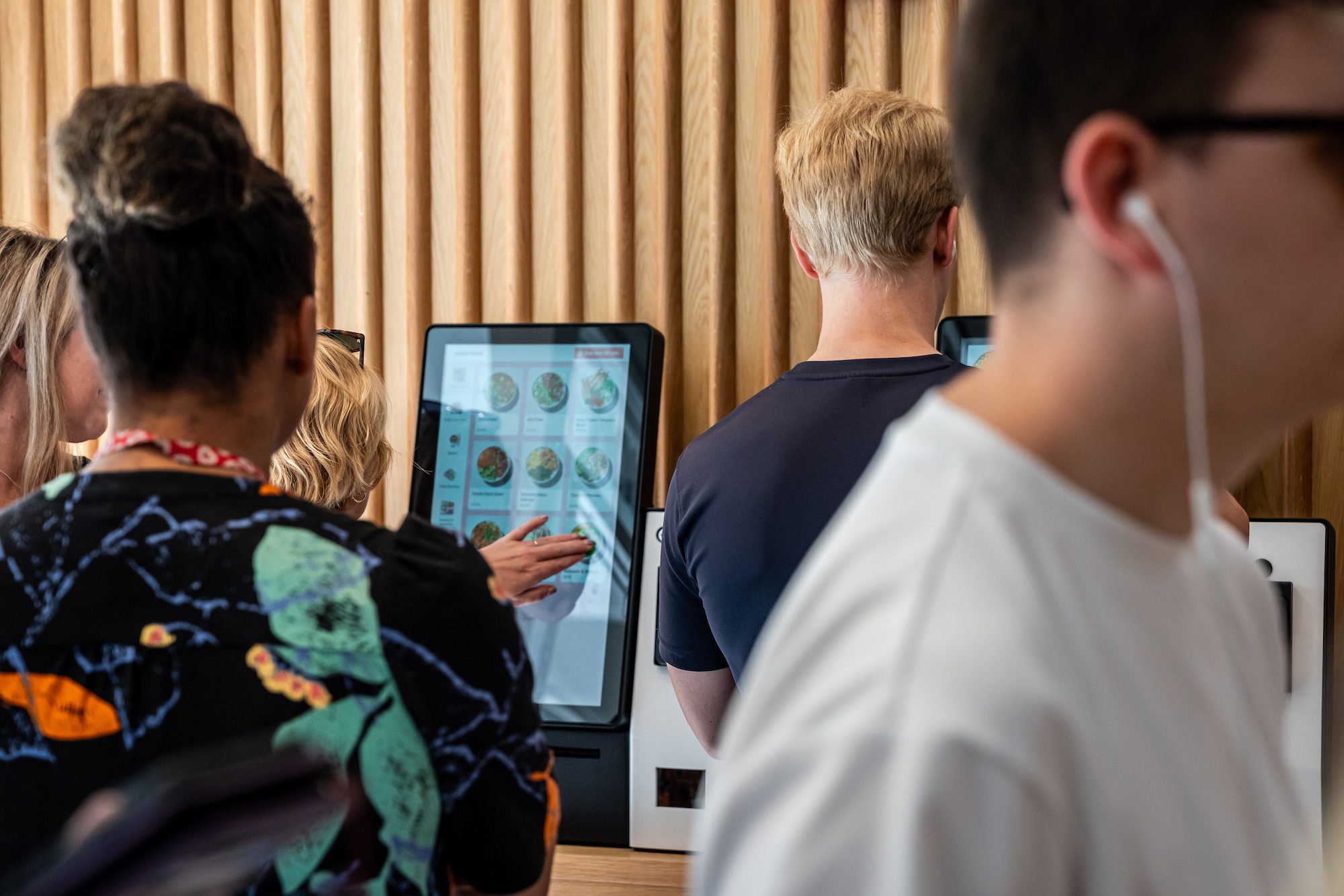
When a multi-site operator moves to a new tech stack, the menu work is usually the first thing to be under-resourced. And honestly, I do understand why. It feels like the easy part of the puzzle.

The POS rollout is highly involved. The aggregator integrations are also highly involved. The same with the Loyalty piece. The menu, by comparison, feels like just a question of copying across what you already have.

But that’s the trap. Moving to a new tech stack is actually the ideal moment to give the menu the attention it rarely gets: to revamp it, refresh the imagery, and fix the things that didn’t quite work last time. Instead, more often than not, the existing menu just gets copied and pasted across as it is.

The same lack of attention shows up in a more technical way too. Duplicate records creep in, the old content gets reused on top of them, and no one stops to build it cleanly. That, in my experience, is where most rollouts start to come unstuck.

I worked on a rollout where this played out almost exactly. It was a POS-led operation with a tight in-store flow and staff working the tills like a well-oiled machine.

A few stores in, the inventory data started telling us something. The same items were being created over and over: one burger logged as two slightly different records, the same sauce appearing twice. Each new store and channel had been adding its own version of items that should all have pointed back to a single master record. And as we scaled, those small inconsistencies multiplied fast. Once the underlying data breaks like that, your revenue reporting breaks with it.

Here’s what I’ve found myself saying to every operator since then. The menu really is the backbone of everything you do in a restaurant. When it isn’t built correctly, you can feel it all the way down the line: your customers get confused, your operation gets messy, your data breaks, and ultimately your revenue takes a hit.
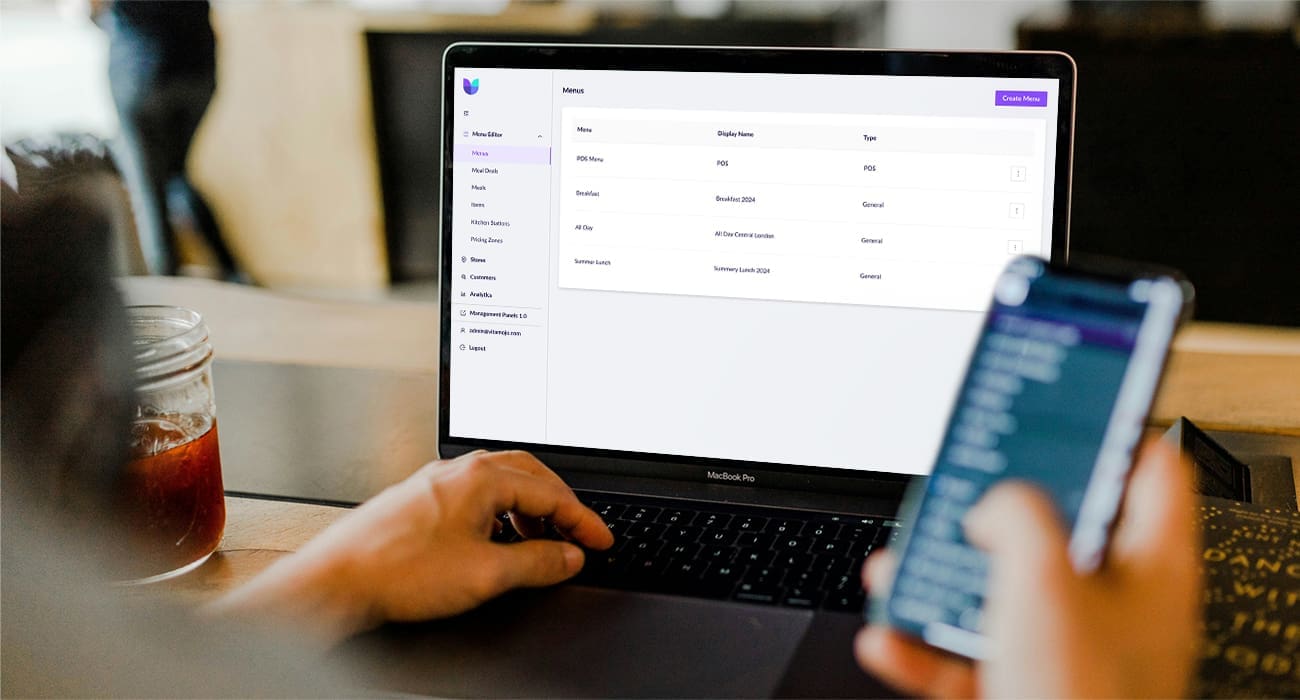
Centralised menu management

The fix, when you find it, is structural rather than technical. You want to have one person inside your head office whose job is to own the menu. Although I don’t really think of this role as a ‘menu manager’. The way I’d frame it is, this person’s job is to protect the backbone of every revenue stream you run, across POS, Self-service Kiosks, Click & Collect, your mobile app, and every delivery aggregator you appear on.

They need to know the menu inside out, and ideally they take maintenance ownership of it from day one of going live.

When this role works well, the payoff tends to be immediate.

The owner is the person who gets to the work that usually falls through the cracks at go-live. Basket recommendations, one of the features our system offers, are the obvious example: a strong driver of Average Order Value (AOV) and simple to configure, yet rarely switched on, because by go-live the team is stretched thin and it’s the first kind of step to drop off the list. An owner is the person who picks it back up, and because they’ve kept the menu well-structured underneath, it actually delivers when it’s turned on.

The same is true for our Kitchen Management System (KMS) counter, another feature in Vita Mojo’s system. It tells kitchen staff in real time how many beef patties they need to grill or how many onion rings they need to fry, which is hugely useful on a busy line, but only when the menu underneath has no duplications. If the same patty exists as two records, the count is wrong, and a tool you brought in to help the kitchen quietly starts working against it

My honest advice is to treat the menu transition as the most important piece of your tech transition, not the least.
02. The teams that get forgotten in the buying process

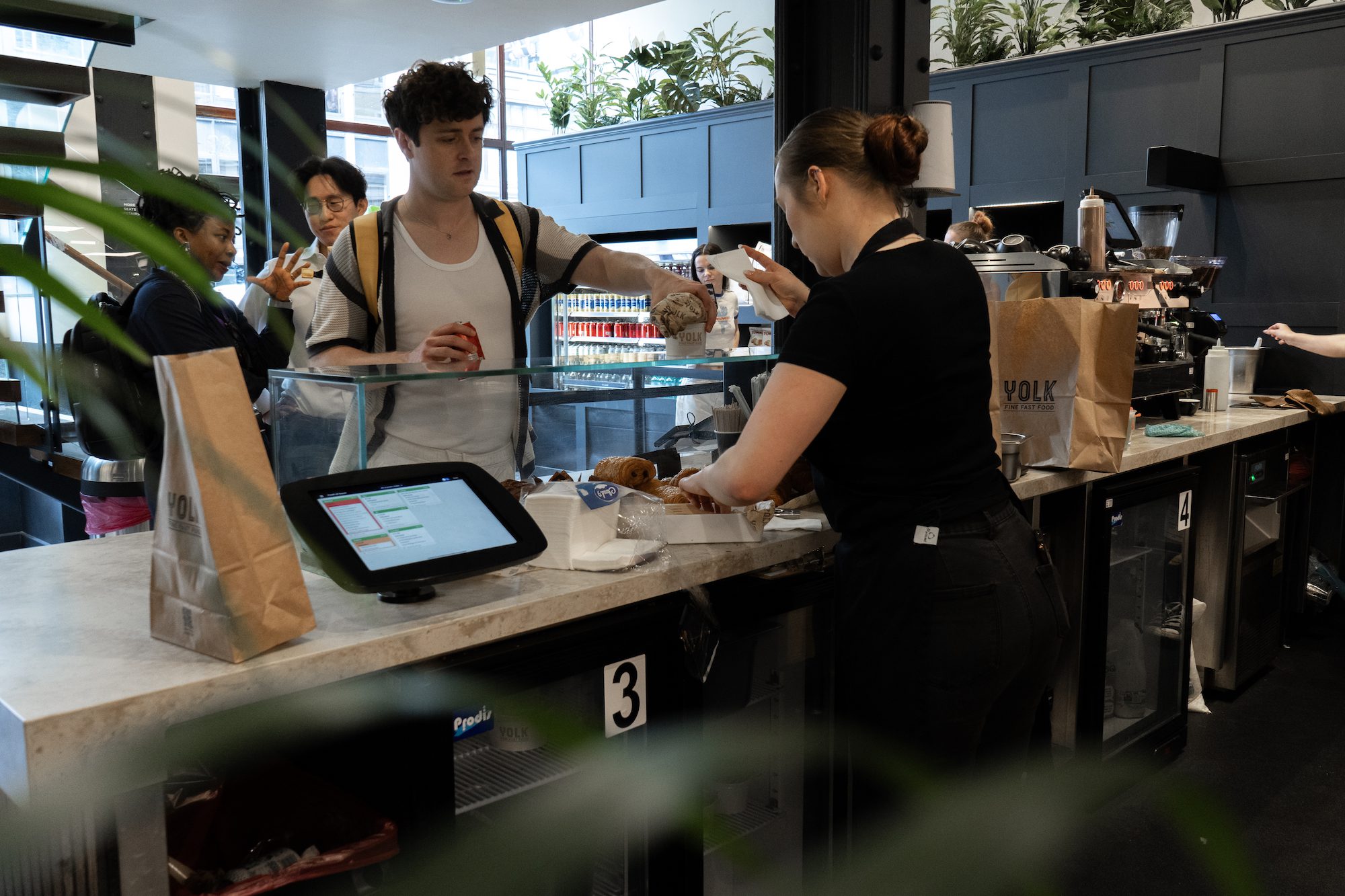
Most operators bring their operations team and their IT or Chief Technology Officer (CTO) function into the tech decision pretty early on. That makes sense. They’re the obvious stakeholders, and they’re the ones who will be living with the new system every day.

It’s the other back-office teams that tend to come in later. Finance teams, marketing teams, customer service teams, reporting teams. By the time these teams need to engage with the new system, they’re already doing real work on it. And quite often that’s under deadline pressure, learning the new tool at the exact moment they have a deliverable due.

The most common example I see is finance at period-end. The finance team didn’t sit in on the vendor demos. They didn’t pick the new POS. So they end up meeting the new system for the first time when reconciliation lands at month-end, and the numbers don’t quite match the previous year’s report at the same site. They’re under pressure, they’re learning a new tool, and understandably, they get frustrated. The friction that follows tends to land back on the operations team who brought the stack in.

Marketing teams can hit the same wall, for example, learning the new platform on the day they need to launch their first campaign on it. Customer service teams hit the wall the first time a customer complaint requires them to pull a report from somewhere new. And reporting teams hit it when the board asks for site-level Profit and Loss (P&L) on a system they’ve never used before.

The fix is the same in every one of those cases. You stakeholder-map every back-office team that’s going to touch the new system, and you invite them into the second vendor demo, not once the decision’s already been made.

Give them time to learn the system before the deliverable falls due. Honestly, the investment is just a few hours of their time in the second week of your buying process, and the payoff is months and months of friction you don’t have to deal with later on.

03. Why store staff need their own champion in the rollout

Head office picks the new tech stack, and the decision usually feels obvious to the leadership team. But by the time the rollout reaches the store, the staff have one question, and it’s a fair one: “Why have you changed our till?”

If no one in the store has a good answer to that question, you’ve got a bit of a problem on your hands. Stores start running with friction, staff revert to workarounds, and trust in the new system can erode before you’ve even reached site three.

One UK QSR operator I worked with solved this brilliantly with what they call a ‘super user’ role. Each one has a foot in head office and a foot in the store.

They’re involved in head-office decisions, or at least close enough to understand why those decisions were made. So they can cascade them into the stores, explaining to staff why the system has changed, and then escalate pain points back the other way so head office knows what’s happening on the ground.

I was on the ground in those stores during the rollout, and the difference was visible from day one. Stores with an engaged super user just ran cleanly: staff asking sensible questions, workarounds disappearing, the whole rollout feeling easier. Stores without one ran with friction: staff asking basic questions that should have been answered before go-live, workarounds piling up over time.

I’d gently push back on anyone who sees the role as an extra cost. It’s what lets your rollout actually scale without rework. So if you’re rolling out new tech across 25 sites this year or next, my advice would be to identify your super users before the project begins.

Every store after the third still deserves the attention of store one

The pattern I see is pretty consistent across most operators I’ve worked with. Store one launches with the full attention of head office. Store two, three, and four still get that same level of focus. But somewhere around store five or six, the attention starts to drift, and the assumption sets in that the work is just a copy-and-paste of the first few launches.

It really isn’t, in my experience.

Every store you open is different. Different geography, different audience, a different operational rhythm. A central London site has a two-hour lunch rush in a tiny footprint. A travel hub runs a 14-hour throughput pattern. A site outside of London has more space, a steadier flow of covers across the day, and a different aggregator mix. The setup that worked beautifully at one site can quietly buckle at the next. Which is exactly why treating store 18 as a copy of store one catches people out.

And this isn’t only about the menu, the cross-team buy-in, or the super users. Everything that goes into a new tech stack deserves the same attention at site 18 as it got at site one.

The work of moving to a new tech stack is real, and operators are right to put their energy into getting the technology in place. But the things that catch them off guard aren’t the technology itself. They’re the people, the process, and the menu work that surround it. And the discipline to keep giving all of it real attention, store after store. Plan for that the way you also plan for the integration risk and the staff training, and the things that usually catch operators out won’t catch you.

Run your multichannel ordering operation from one system

Vita Mojo helps multi-site operators achieve control, consistency, and speed without adding manual work or extra systems as they grow.

See how Vita Mojo helps QSR brands scale with confidence.