
What you can do now
VM Hub replaces Management Panels 1.0 and 2.0. Here’s what that means for how you work day-to-day:
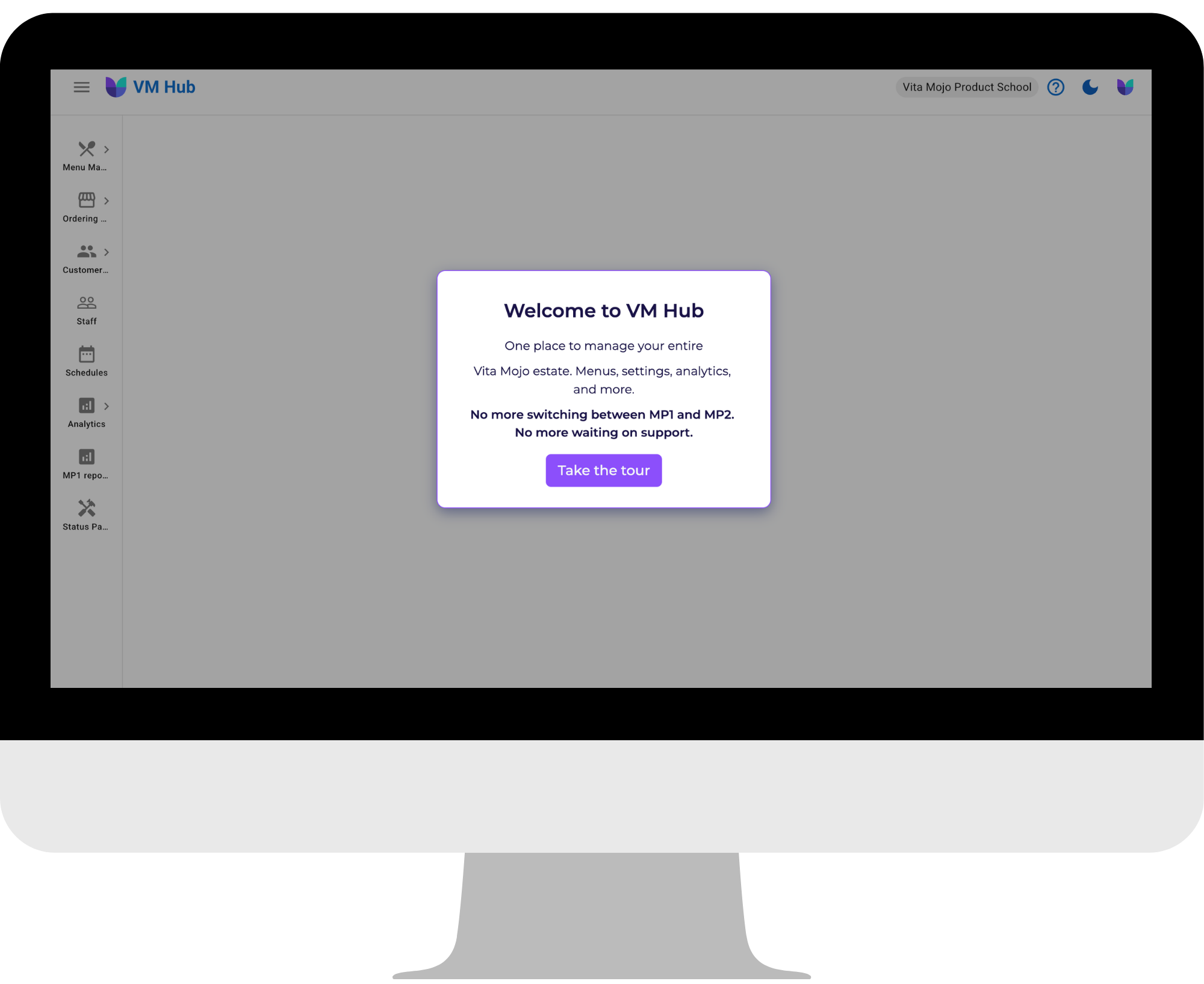
Your Vita Mojo control centre. One place to manage your menus, settings, and analytics across your entire estate.
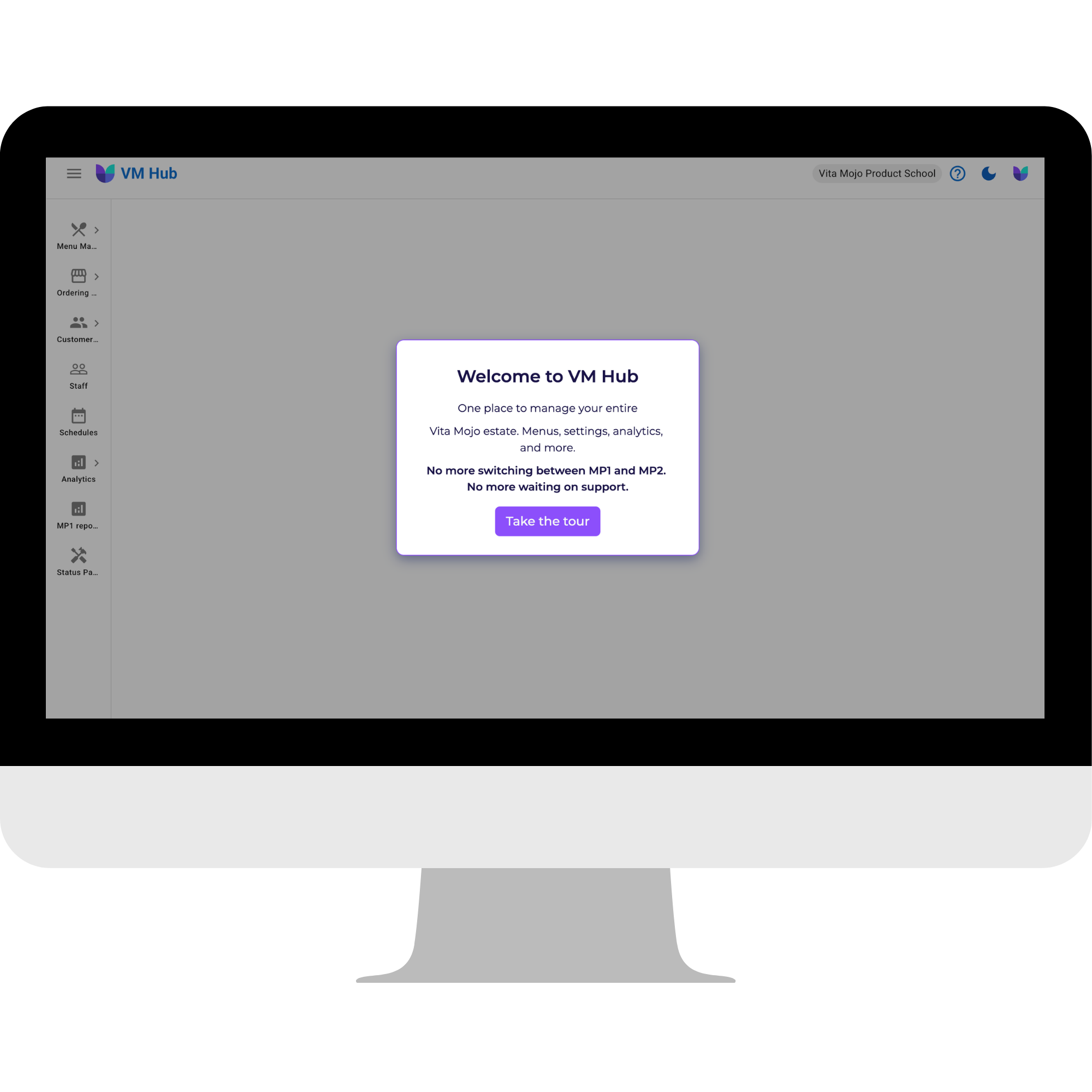
No more switching between platforms. No more waiting for support for everyday changes. VM Hub puts you in control, with guardrails that make self-serve safe at any pace.





















VM Hub replaces Management Panels 1.0 and 2.0. Here’s what that means for how you work day-to-day:
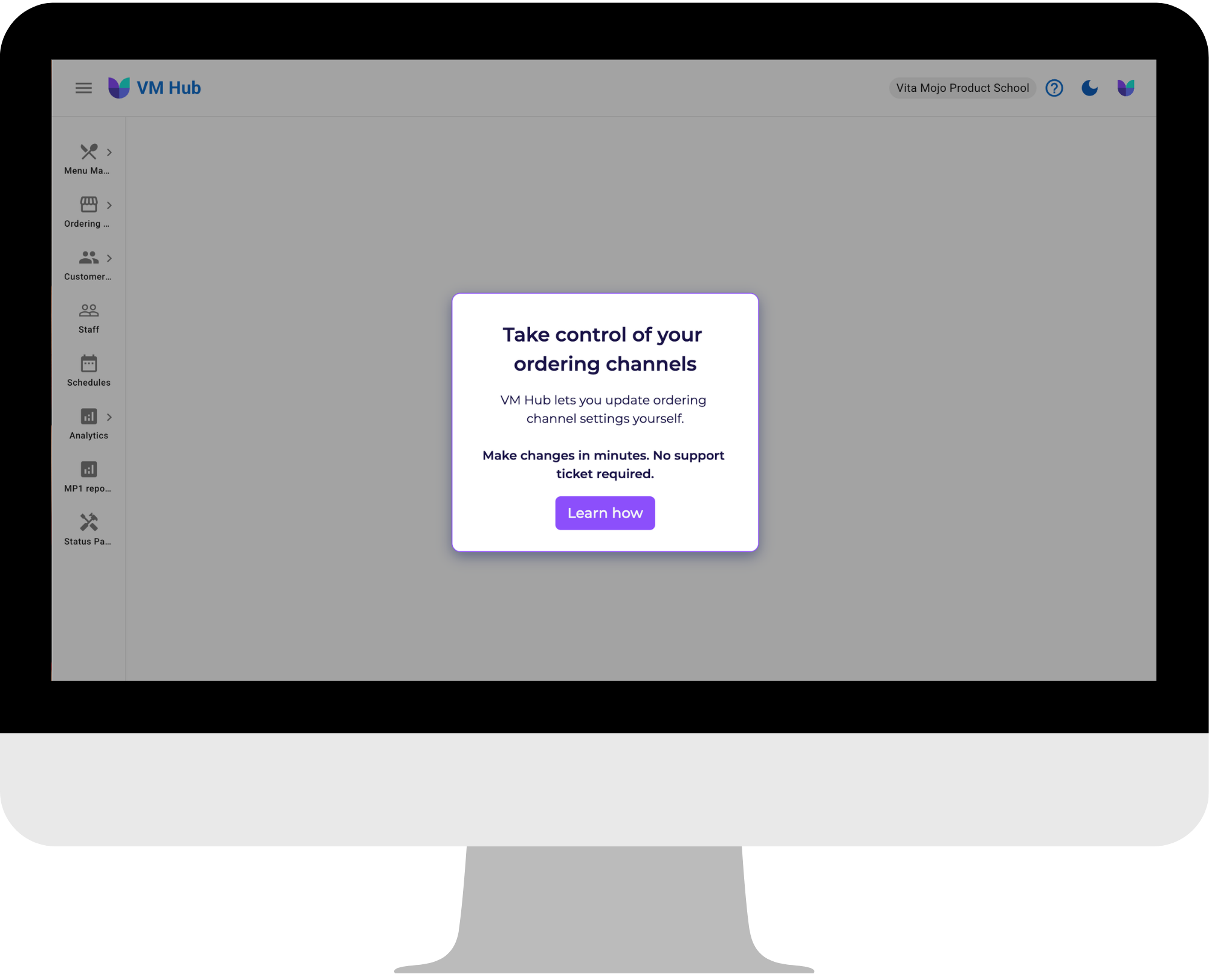
VM Hub is built for operators who need to move fast and make changes on their time, without breaking things. Update prices, menu edits and promotions directly, without raising a support request and waiting in the queue.
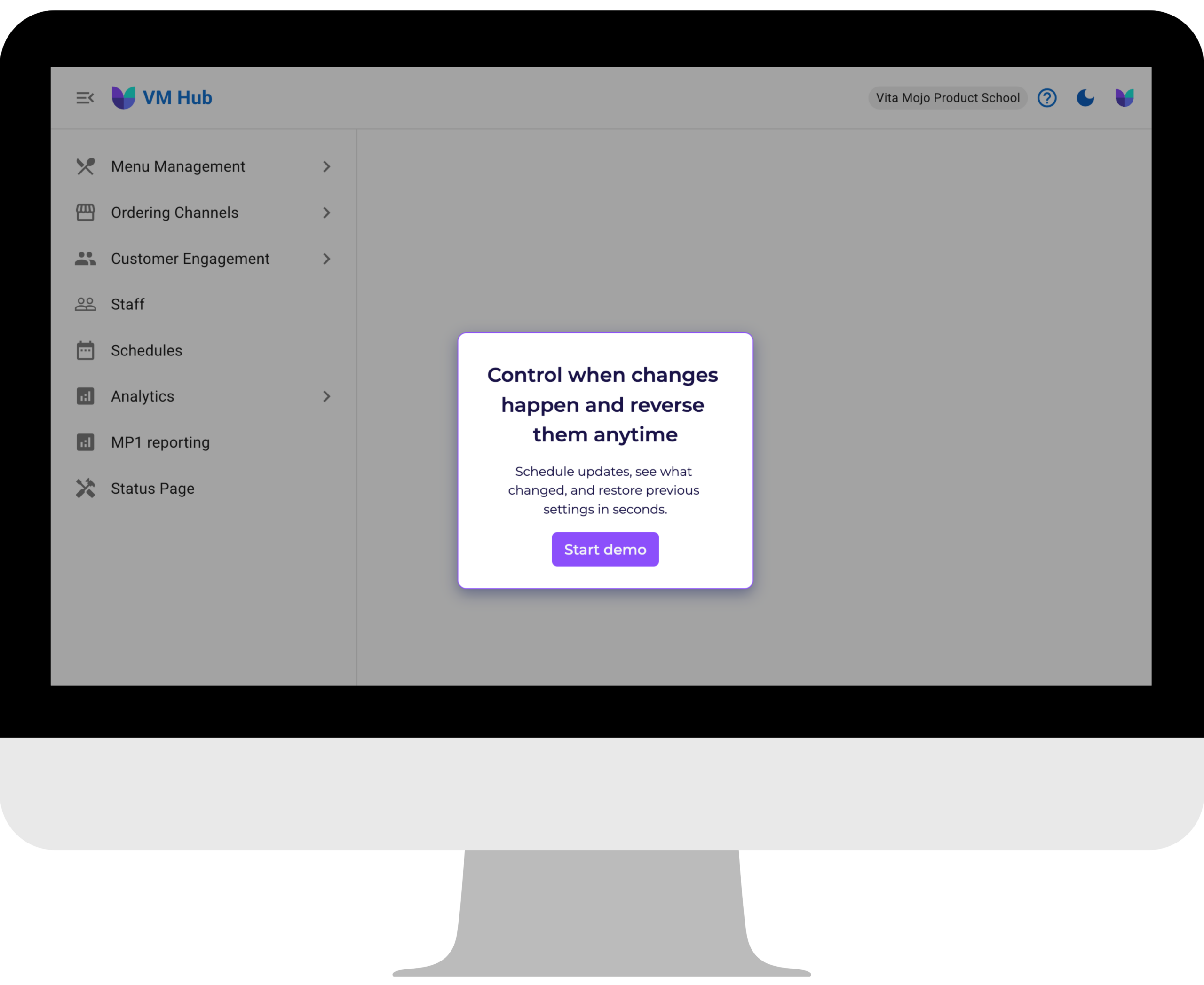
Queue updates to go live exactly when you need. Launch a promotion at midnight. Push a price change before service. VM Hub works on your timeline, not the support queues. See all upcoming changes from a central view.
Every change you make is logged. If something doesn’t look right, you can restore any previous version of a setting in a single click.
Menus, settings, analytics. All accessible from one unified platform. No switching windows, no inconsistencies between tools.
Challenge Week brings you five short, hands-on demos. One each day – designed to get you confident using the platform in under five minutes a day.
Complete all five, and you’ll have hands-on experience with every core workflow.
Day 1: Find your way around – see your entire operation in one place
Day 2: Make a change without raising a support request
Day 3: Schedule a change and explore settings history
Day 4: Launch updates across multiple sites at once
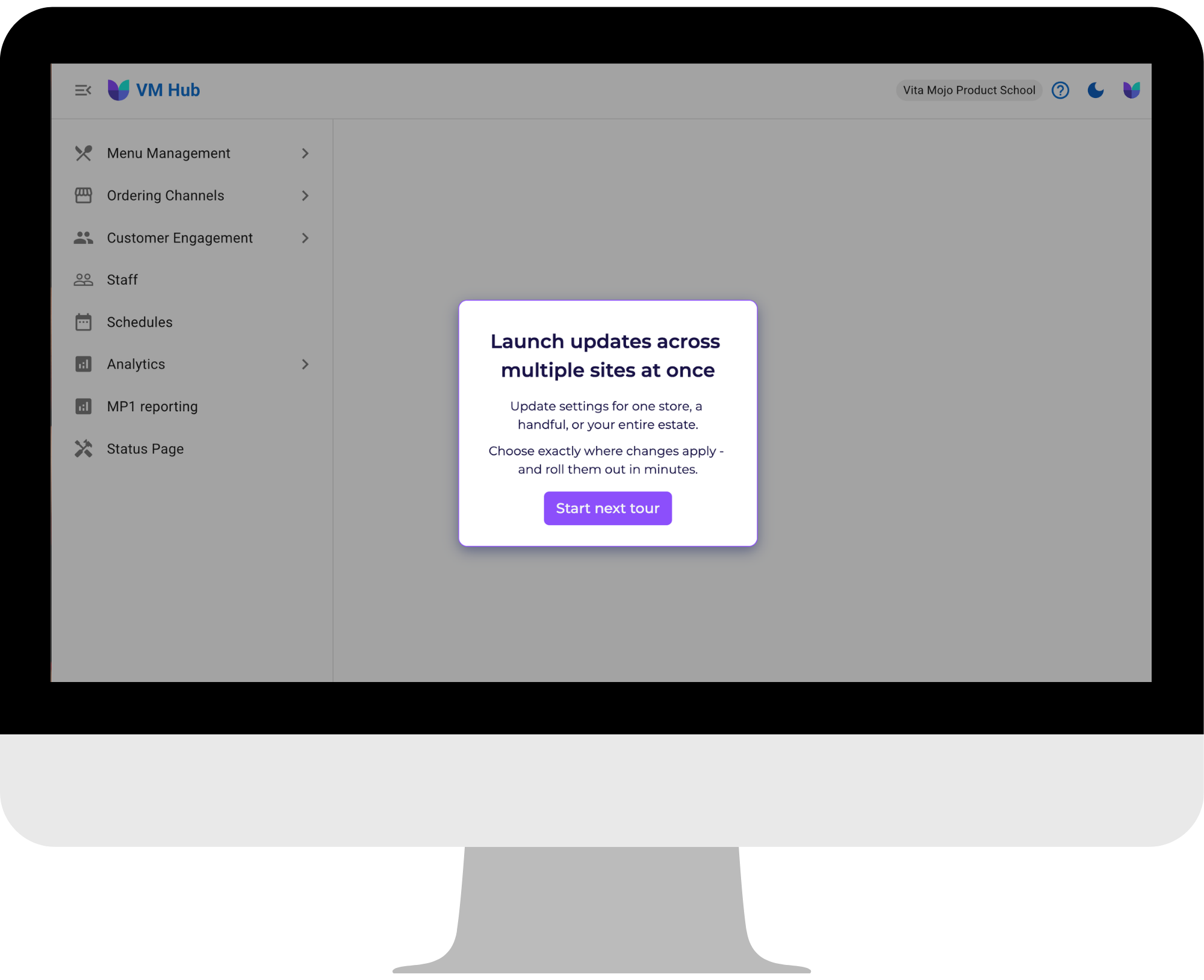
Day 5: Challenge unlocks Tues 24th March
VM Hub is a significant improvement to how you access and manage Vita Mojo ordering channels. Rest assured that your data, your settings, and your team’s logins are all exactly where you left them.
Your migration to VM Hub has already happened. You don’t need to do anything to move your data. Here’s a quick guide to finding what you need in the new interface.
Go to VM Hub and sign in with your existing credentials. You’ll land directly in VM Hub.
Settings that previously spanned MP1 and MP2 are now unified under a single navigation structure. Use the left-hand menu to find: Menu Management, Customer Engagement tools, Staff, Users and Analytics.
Under Ordering Channels, you’ll now see scheduling options and a history log for every setting. We recommend spending 5 minutes exploring before making or scheduling any changes.
Use the in-platform support widget in the top right-hand corner to raise a query or find answers using our help guides. Our team is just a few clicks away.
Your account team is available as usual, and you can raise a support ticket any time via the help widget inside VM Hub.